
Identity providers
This section allows you to configure how the system authenticates users. It is intended for application administrators and does not require LDAP, Active Directory or SSO expertise.
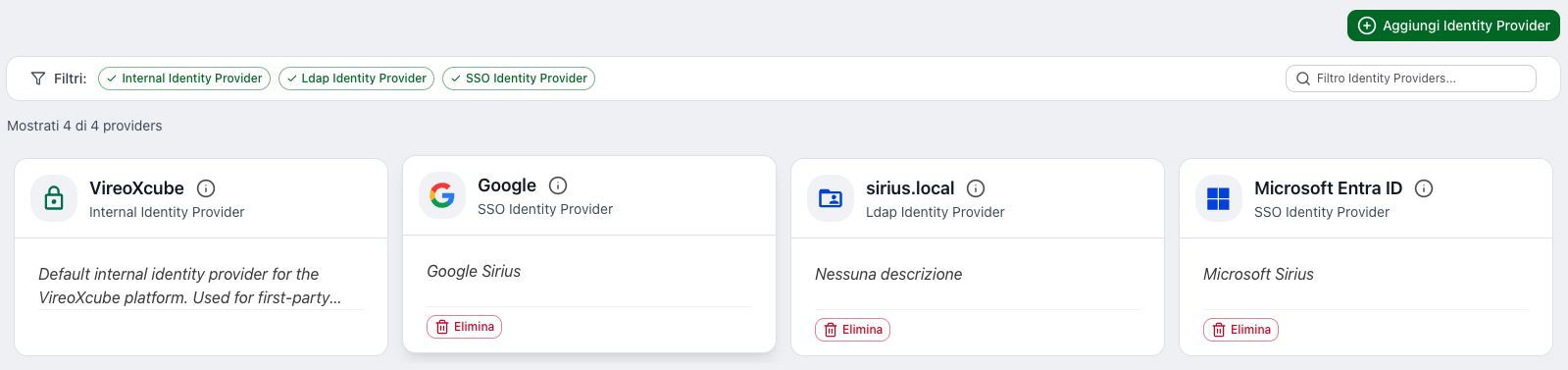
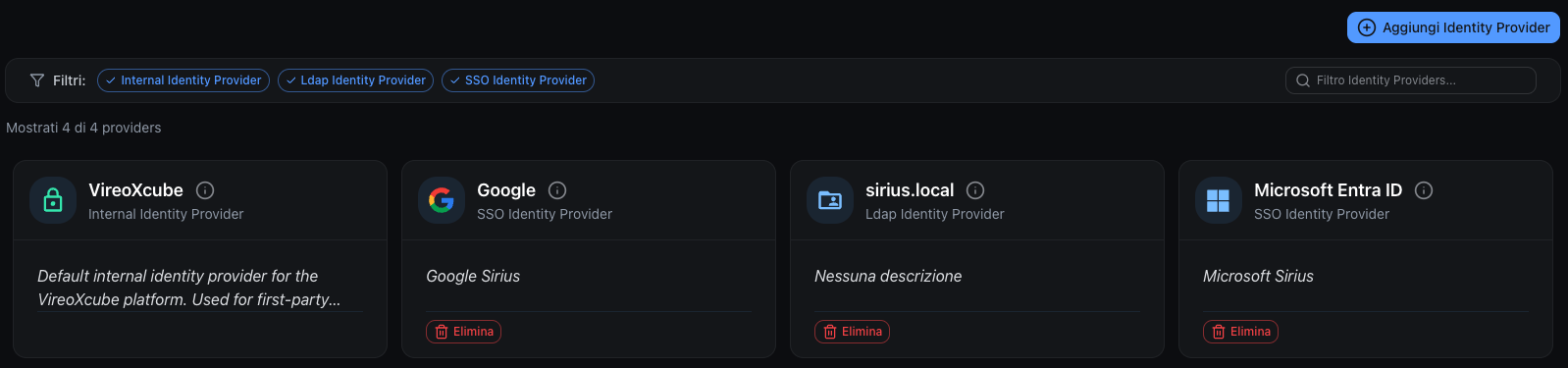
Internal Identity Provider (default)
The system always includes an internal Identity Provider.
Key characteristics:
- it cannot be deleted
- manages users created directly in the system
- applies configured security rules (password, 2FA, etc.)
This provider ensures access even if external servers are unavailable.
LDAP Identity Providers
In addition to the internal provider, you can configure one or more LDAP / Active Directory servers.
These providers allow you to:
- authenticate corporate users
- centralize account management
- reuse existing infrastructures
Each LDAP server is independent.
SSO Identity Providers (OpenID Connect)
The system supports authentication via SSO (Single Sign-On) using the OpenID Connect protocol.
Supported provider types:
- Microsoft (Microsoft Entra ID / Azure AD)
- Google (Google Workspace / Google Cloud Identity)
- Custom (any OpenID Connect-compatible provider)
SSO providers allow users to log in using their existing corporate or personal accounts, without managing separate credentials in VireoXcube.
Identity Provider list
The main page shows the list of configured Identity Providers.
For each provider you can:
- view the provider type (Internal, LDAP, SSO)
- edit the configuration
- delete LDAP and SSO providers
Add a new Identity Provider
- Click Add identity provider
- Select the provider type:
- LDAP / Active Directory for LDAP servers
- SSO (OpenID Connect) for Microsoft, Google or custom SSO providers
- Click Next
- Fill in the required fields (see below)
- Click Add to save
LDAP parameters
- Name - LDAP server name
- Domain - Reference domain
- Description - Optional description
- Protocol - LDAP or LDAPS
- Port - Connection port
- Server - LDAP server address
- Base DN - Base DN for user search
SSO parameters
- Name - Display name for the SSO provider
- Provider Type - Microsoft, Google or Custom
- Description - Optional description
- Authority - OpenID Connect authority URL (e.g.
https://login.microsoftonline.com/{tenant-id}/v2.0for Microsoft,https://accounts.google.comfor Google) - Client ID - Application client ID obtained from the provider
- Client Secret - Application client secret obtained from the provider
- Scopes - OpenID Connect scopes (default:
openid profile email) - Default Role - Optional role automatically assigned to new SSO users
- Default Zone - Optional zone automatically assigned to new SSO users
- Auto-provision users - When enabled, users are automatically created in VireoXcube upon their first SSO login
Edit an Identity Provider
- Click the provider in the list
- Update the desired parameters
- Click Edit to save
Changes apply immediately.
Password policies and 2FA (Internal Identity Provider)
For the internal Identity Provider, it is possible to configure password security policies. These settings define the requirements that user passwords must meet.
Password length
| Setting | Description | Default |
|---|---|---|
| Minimum length | Minimum number of characters required | 8 |
| Maximum length | Maximum number of characters allowed | 32767 |
Character requirements
| Setting | Description |
|---|---|
| Require uppercase | At least one uppercase letter (A-Z) |
| Require lowercase | At least one lowercase letter (a-z) |
| Require special character | At least one special character (e.g., !@#$%^&*) |
Password policies are applied:
- when creating new users;
- when existing users change their password.
Two-Factor Authentication (2FA)
In this section, you can also enable or disable Two-Factor Authentication (2FA) for users of the internal Identity Provider.
When 2FA is enabled:
- All users authenticating through this provider must complete 2FA setup on their first login
- A 6-digit code from an authenticator app will be required at each login