
System Operators
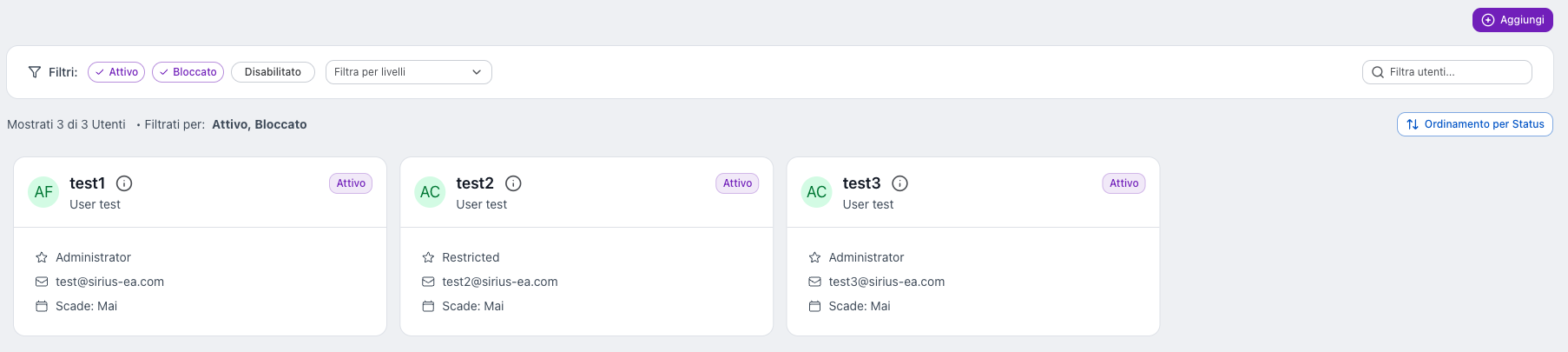
System Operators are internal Sirius users who manage the platform, not customer plants.
Unlike standard users:
- they do not have Roles or Zones
- they have a Level
- they see an extra Configurator section in the side menu, marked by the purple theme
Levels
Each System Operator has one of the following fixed levels:
- Restricted: view only
- Technician: limited configuration
- Administrator: full control
Operators list
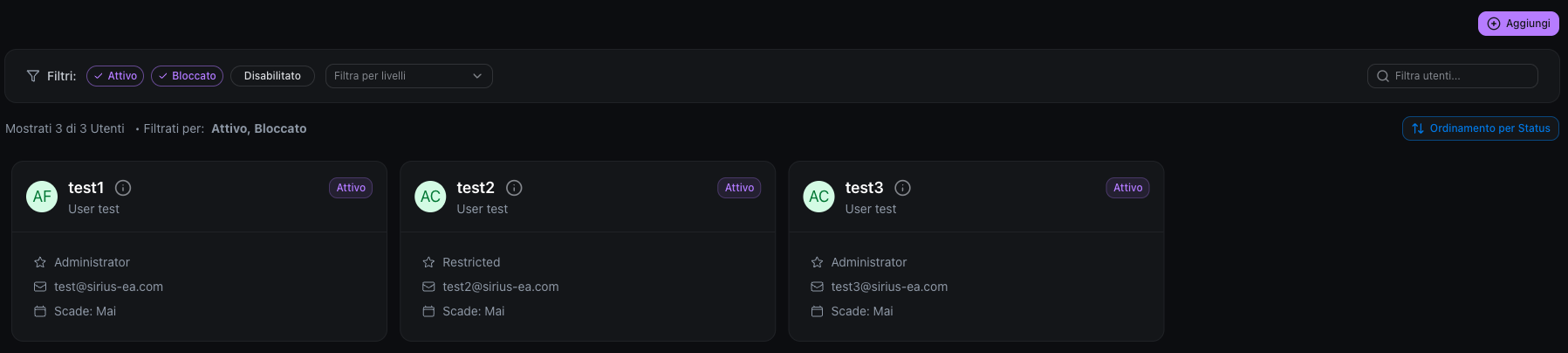
Operators are displayed as cards showing:
- Username
- First and Last name
- Level
- Status (Active, Disabled, Blocked): indicates whether the user can access the system.
- Active: the user is enabled and can log in.
- Disabled: the user is disabled and cannot log in.
- Blocked: the user is blocked for security reasons or by an administrator's decision. This status is used to temporarily prevent access, for example after suspicious activity or an administrative action.
Search and filters
At the top of the page you can quickly find users and narrow down the list:
- Search: Filter users…
- Status filters: Active, Blocked, Disabled (by default Active and Blocked are selected, so Disabled operators are hidden)
- Levels filter: Filter by levels
- Status or alphabetical order: Status order button. By severity: Blocked, Active, Disabled
Create a System Operator
To create a new operator:
- Click Add
- Enter Username, First name, Last name, and Email
- Select the Level
- Set the login credentials
System Operator details
Opening an operator shows several tabs.
Tab: Profile
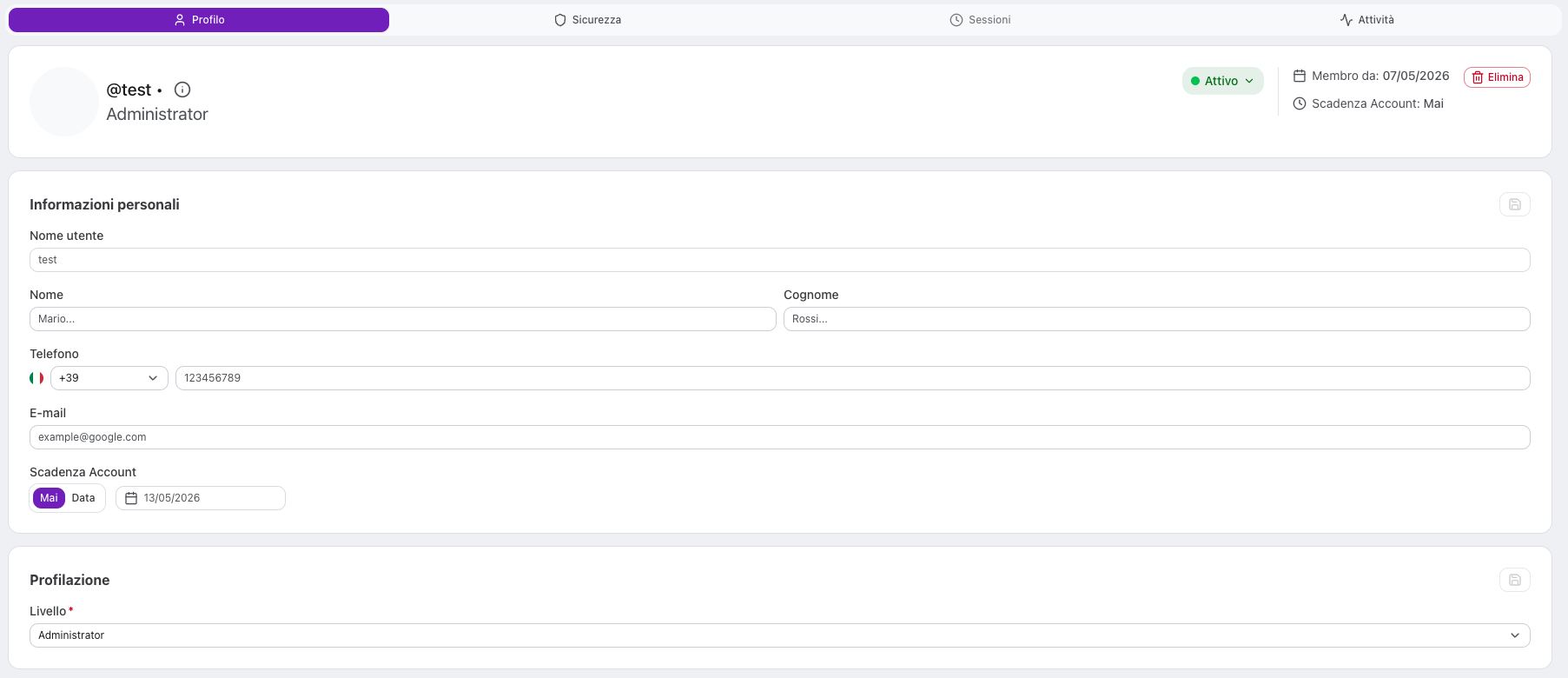
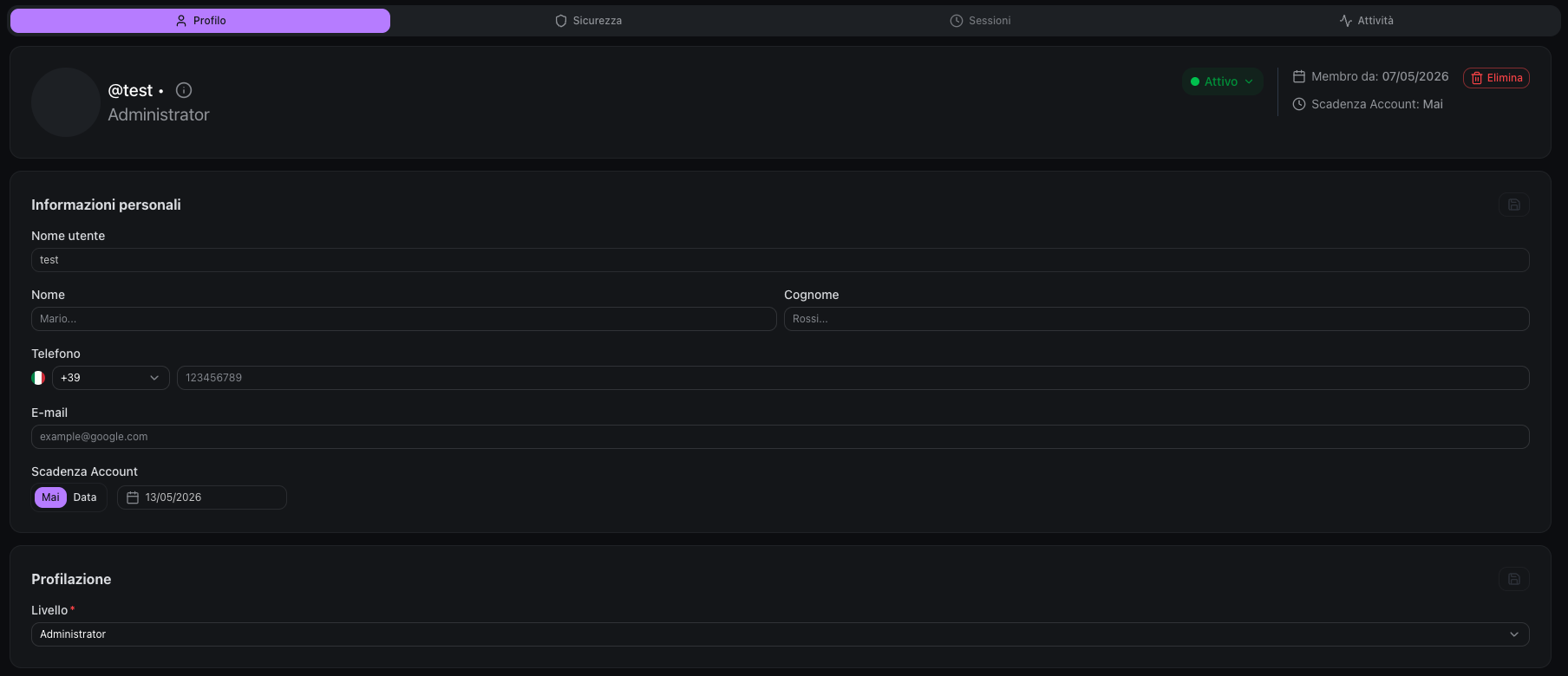
Includes:
- Personal information (Username, First name, Last name, E-mail)
- Assigned Level
- Preferences (Language, Appearance, Timezone, Date format)
Each section can be edited using the edit (pencil) icon.
Tab: Security


This tab includes:
- Two-Factor Authentication (2FA) status
- configured Credentials
- available security actions
Two-Factor Authentication (2FA)
For System Operators, 2FA is always enabled and mandatory.
It cannot be disabled.
Available action:
- Reset 2FA forces the operator to set up 2FA again at the next login.
Credentials
Each System Operator has one or more login credentials.
For each credential you can:
- Reset Password
- delete it
Special Identity Provider
System Operators are linked to a special internal Identity Provider that is separate from the one used for regular users.
This ensures:
- Access to the Configurator is always possible, even if external LDAP/AD servers are unavailable
- Independent password policies for system operators
- Complete isolation from customer authentication systems
Tab: Sessions
Shows the operator’s active sessions.
Tab: Activity
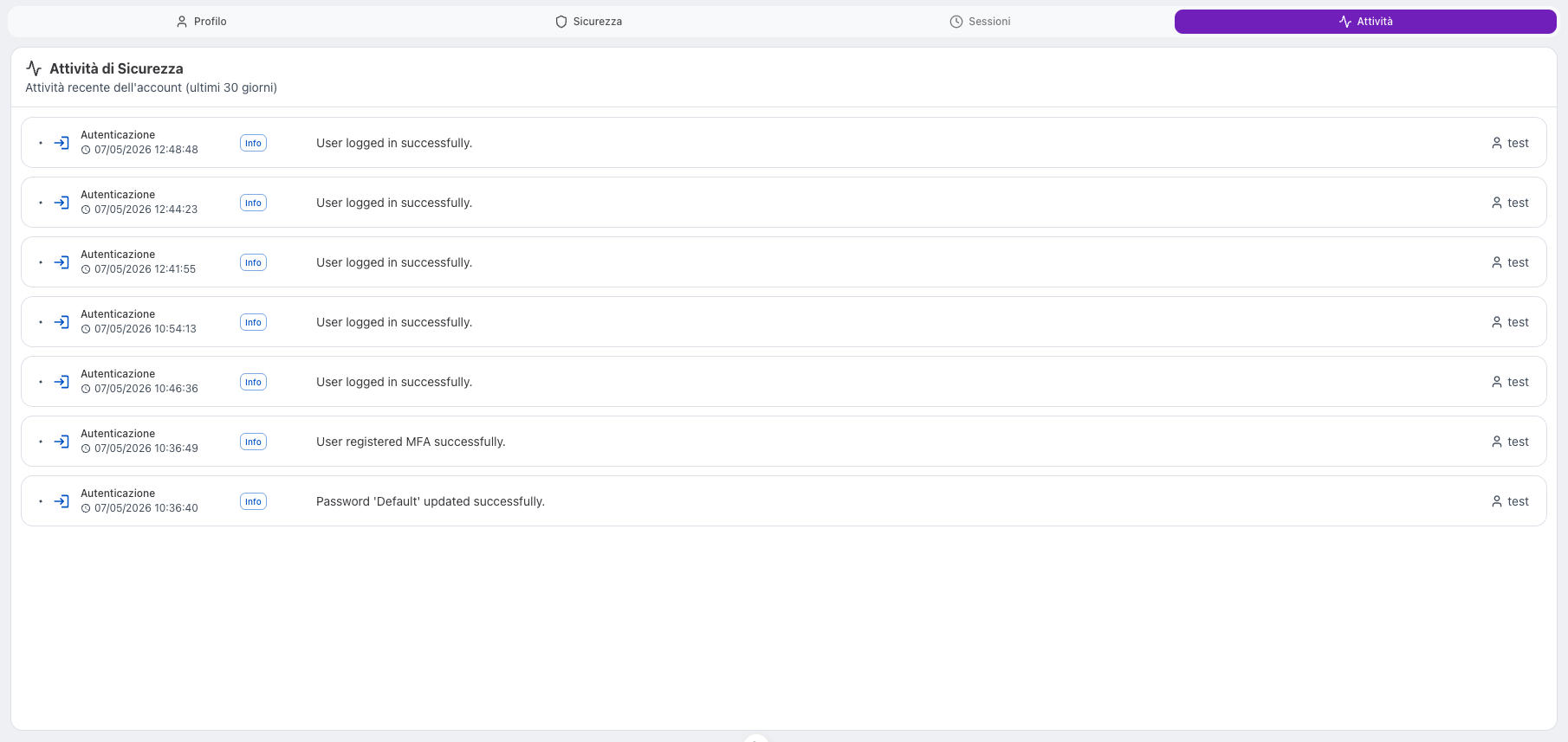
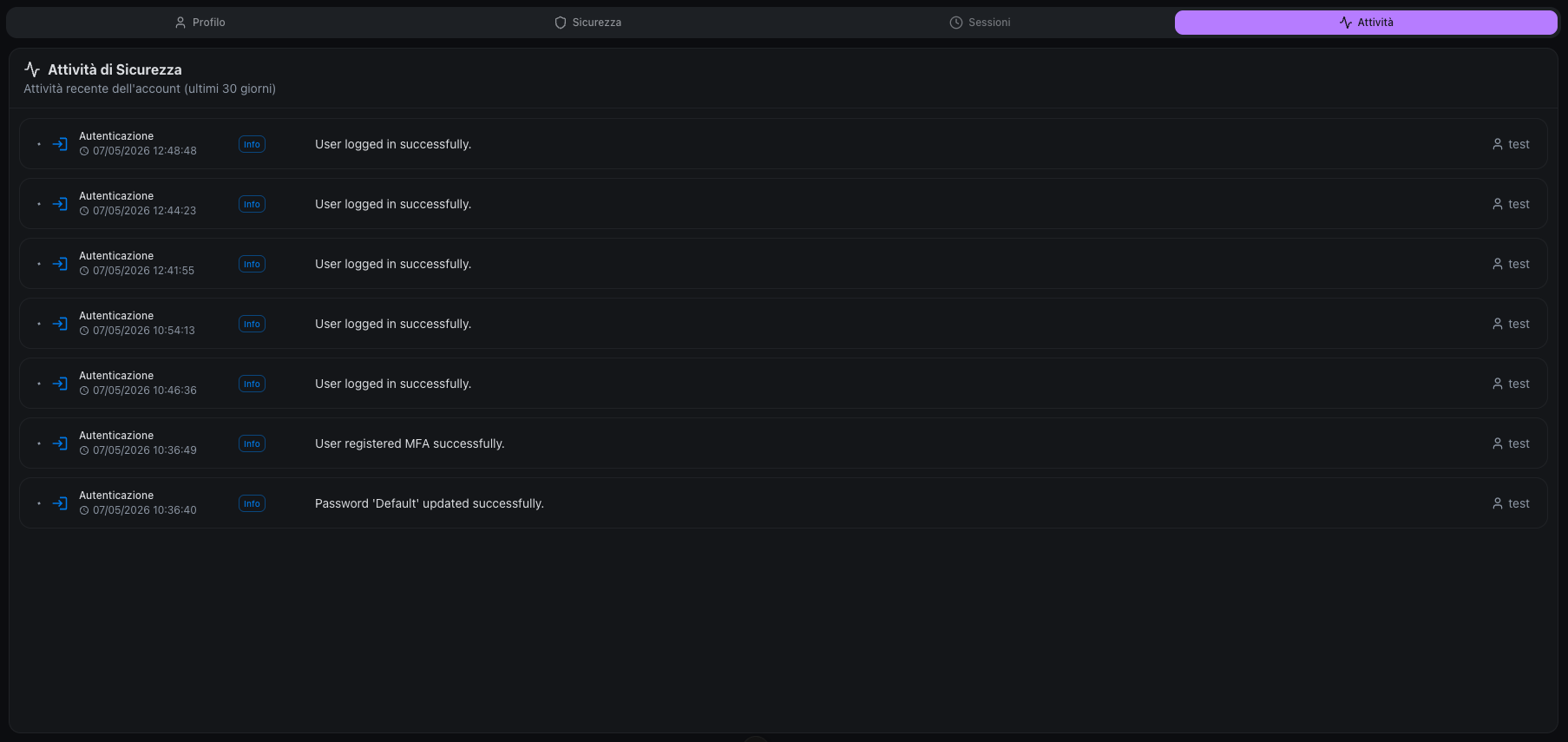
Shows the recent activities recorded by the system for the operator (commands sent, alarm acknowledgements, account changes, configuration changes, etc.).
- Activities are automatically loaded when the tab is opened, no manual search needed
- The period is fixed to the last 30 days
- Each activity is displayed as a card with timestamp, module, severity level, description and any before/after changes — same format as the Activity Log page
- On your own profile, the tab shows your own activities; on another operator's profile, it shows theirs
Impersonation (not implemented)
In the future, a System Operator will be able to impersonate a Role and a Zone to view the system as an end user.