
My profile
My profile
The My Profile page allows each user to manage their own account, without relying on an administrator.
From here you can:
- view your personal data
- change your password
- manage Two-Factor Authentication (2FA)
- generate and manage Personal Access Tokens for API and MCP integrations
- configure your personal preferences
Page structure
The page is organized into four tabs:
| Tab | Description |
|---|---|
| Profile | Personal information, account profiling, and preferences |
| Security | Password management, 2FA, credentials, and Personal Access Tokens |
| Sessions | Active sessions of your account, across your devices |
| Activity | Log of recent account activity |
Tab: Profile
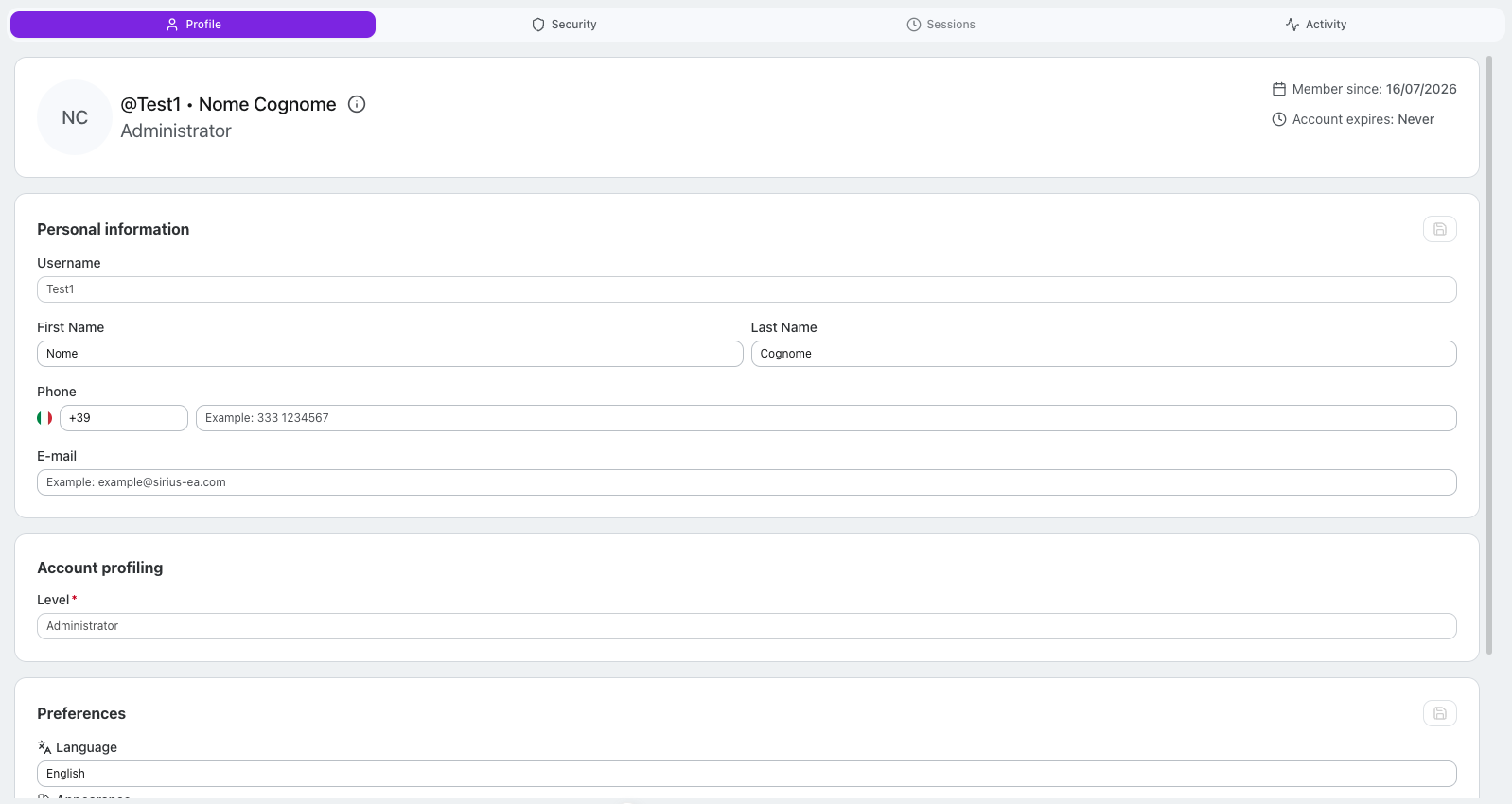
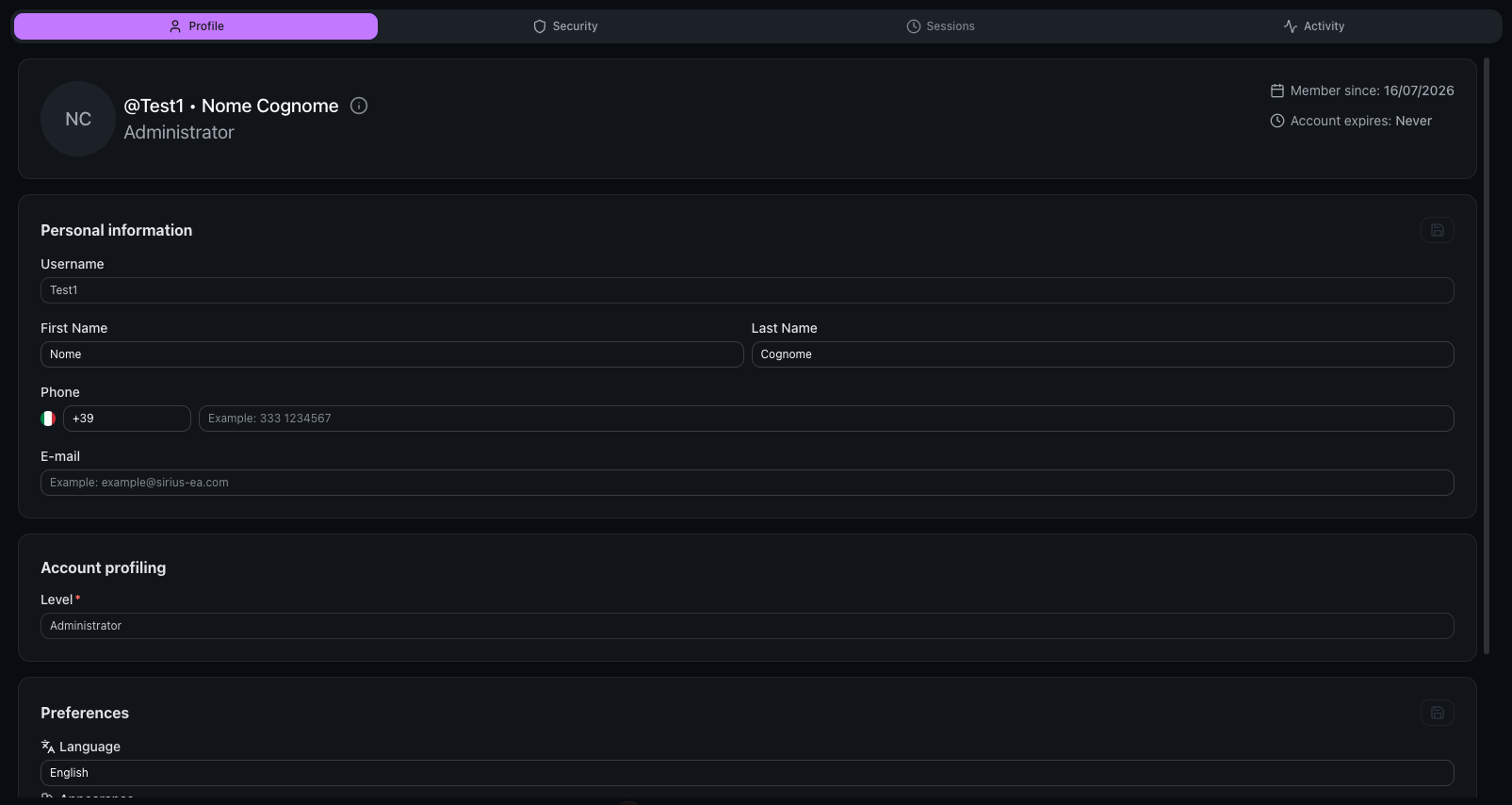
User header
At the top of the page you can see:
- Avatar with initials
- Username and full name
- Role and Zones (for Users) or Level (for System Operators)
- Member since: account creation date
- Account expires: expiration date (if set)
Personal information
This section shows:
- Username (read-only)
- First name
- Last name
- Phone
Click the edit button to modify these fields, then click save to confirm.
Account profiling
This section displays:
- For Users: Role and Zones
- For System Operators: Level
Preferences
This section allows you to configure your personal preferences:
| Preference | Options |
|---|---|
| Language | English, Italian |
| Appearance | System, Light, Dark |
| Timezone | Multiple timezones available |
| Date format | European (DD/MM/YYYY), American (MM/DD/YYYY) |
Click the edit button to modify preferences, then click save to confirm.
Tab: Security


This tab allows you to manage your authentication and security settings.
Two-Factor Authentication (2FA)
The 2FA status is displayed at the top of the Security tab.
For Users:
- You can enable or disable 2FA
- When enabled, you can reset the 2FA configuration to set up a new authenticator app
For System Operators:
- 2FA is always mandatory and cannot be disabled
- You can only reset the 2FA configuration
Credentials
This section shows all your credentials with their associated Identity Providers.
In My Profile you can:
- Change your password for Internal Identity Provider credentials
In My Profile you cannot:
- Add new credentials
- Delete credentials
- Reset password (this is reserved for administrators)
Change password
To change your password:
- Click the Update Password button on the credential
- Enter your current password
- Enter your new password
- Confirm the new password
- Click Edit to save
Personal Access Tokens
Personal Access Tokens (PAT) allow you to authenticate API clients and MCP integrations without sharing your password. A PAT inherits the same permissions (roles and zones) as your account.
PATs appear in the credentials list alongside your other credentials, identified by a violet key icon and the vrx_pat_ prefix.
Generate a token
- Click the Generate Token button in the Credentials header
- Enter a name for the token (e.g. "Claude Desktop", "Cursor", "CI/CD")
- Set an expiration date or choose "Never" for no expiration
- Click Generate Token
- Copy the token — it is shown only once and cannot be retrieved later
- Optionally, scan the QR code to configure your client
Revoke a token
To revoke a token, click the Revoke button on the token's credential card. The token will be immediately invalidated and any client using it will lose access.
Tab: Sessions
This tab lists your active sessions: every device or client currently logged in with your credentials.
Each session is shown as a card with:
- a device icon (desktop or mobile, detected from the browser)
- the device label — browser and operating system (e.g. Chrome · Windows)
- the IP address and, when available, the location
- Last active — how long ago the session was last used
- Signed in — when the session started
- a Current Session badge on the device you are using right now
Signing out sessions
- End Session: signs out a single device (available on every session except the current one). That device must log in again.
- Invalidate All Sessions: the button in the tab header signs out all your other devices at once, while the current session stays active. It appears only when you have at least one other session.
Both actions ask for confirmation before proceeding.
Tab: Activity
This tab shows the log of recent activity on your account: a history of the actions recorded under your name in the system. When you open it, the activity for the last 30 days is loaded automatically.
It is a read-only view: you cannot edit or delete entries.
What each entry shows
Every row in the log reports:
- Module where the action took place, with its icon
- Date and time of the event
- Severity level, shown as a badge: Debug, Info, Warning, or Error
- Description of the action
- User who performed the action
Entry details
Entries that carry extra information are expandable: clicking them opens the details, which may include:
- the before/after comparison of the changed values, for actions that modified data
- the related activities (nested sub-events) generated by the same action
Entries with no additional details are not expandable.
Frequently asked questions
Can I generate a Personal Access Token?
Yes. From the Security tab, click Generate Token. The token inherits your permissions and can be used for API access and MCP integrations.
Can I change my Role, Zones or Level?
No. These values are managed by administrators and are read-only in My Profile.
Are my preferences saved locally or on the server?
Preferences are saved on the server. This means they will be synced across all your devices when you log in.
Can I add a new credential?
No. Credential management is reserved for administrators.
How do I change my password?
From the Security tab, click the Update Password button on your credential, then enter your current and new password.
Can I disable 2FA?
- Yes, if you are a User
- No, if you are a System Operator — 2FA is always mandatory for them
What is the Reset 2FA function?
The Reset 2FA function allows you to reconfigure your authenticator app. After resetting, you will need to scan a new QR code with your authenticator app at the next login.